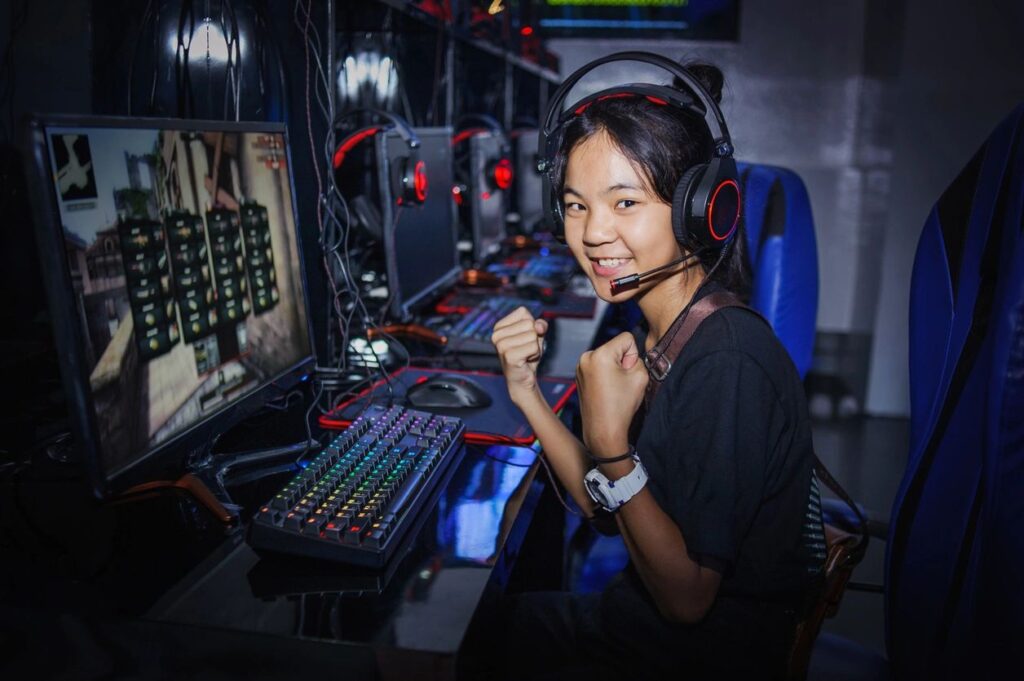
- 🖥️ How to Install RAM Memory in a Gaming Computer
- AI in Gaming
- PS5 Top 10 Games
- Galactic Frontier
- The Most Influential Games Ever
A beginner roadmap to game development
Here is a clear, beginner-friendly roadmap that takes you from absolute beginner to making your own games.
It’s simple, structured, and perfect for beginners with no coding or art experience.
⭐ Phase 1 — Understand the Basics (1–2 weeks)
Learn the core concepts every game developer needs:
✔ Game design basics
- What is a mechanic?
- What makes a game fun?
- Difficulty, reward, feedback
✔Beginner roadmap Game engine basics
- Scenes
- Sprites
- Scripts
- Collisions
- Physics
Recommended beginner videos/searches:
- “What is a game engine?”
- “How 2D games work”
⭐ Phase 2 — Pick One Game Engine (Important!) (1 week)
Choose ONE engine and stick with it on your beginner roadmap:
Easiest for beginners
- Scratch (no code)
- Godot (very beginner-friendly)
- Unity (great for learning industry skills)
Don’t switch engines — it slows you down.
⭐ Phase 3 — Build Your Foundation (2–6 weeks)
Learn the core skills through tiny, simple projects.
🚀 Learn basic coding concepts (the fun way)
- Variables
- Movement
- Collisions
- Input (keyboard/mouse)
- Timers
- Spawning objects
🚀 Make tiny practice games
Each game should be 1–2 days only.
Examples:
- Pong
- Flappy Bird clone
- Breakout
- Simple platformer level
- Endless runner
This builds real skills fast.
⭐ Phase 4 — Make Your First Real Game (3–6 weeks)
Now make a small but complete game with:
✔ Main men
✔ Gameplay
✔ Score
✔ Game over
✔ Restart.
✔ Basic sound
✔ Simple art
Your goal here is to finish, not perfect.
Great beginner project ideas:
- Top-down shooter
- Platformer
- Simple puzzle game
- Survival dodging game
⭐ Phase 5 — Learn More Skills (Ongoing)
Once you finish one game, start leveling up:
🖼 Art
- Pixel art (Aseprite, free alternatives)
- Simple animations
🔊 Audio
- Add sound effects
- Use background music
📜 Intermediate coding
- State machines
- Object pooling
- Saving data
- UI work
🔧 Optimization
- Improve performance
- Cleaner scripts
⭐ Phase 6 — Build a Portfolio (2–6 months)
Publish your small games:
- itch.io
- GameJolt
- GitHub Pages (for HTML5 games)
Portfolio games don’t need to be perfect — just playable.
⭐ Phase 7 — Join a Community
You learn faster by sharing your work.
Join:
- Reddit (r/gamedev, r/godot, r/unity2d)
- Discord communities
- Game jams (Ludum Dare, Weekly Game Jam)
Game jams teach you:
- Time management
- Rapid prototyping
- Finishing games
This step levels you up fast.
⭐ Phase 8 — Choose a Path (Long-term)
Once you have experience, you can specialize:
🎨 Game Artist
Pixel art, 3D modeling, animation
👨💻 Programmer
Gameplay code, tools, engines
🎮 Game Designer
Mechanics, levels, balancing
🔊 Audio Designer
Music, sound effects
🧱 Technical Artist
Graphics, shaders
🤵 Indie Developer
Do everything yourself!
⭐ Phase 9 — Build Bigger Projects (1+ years)
Start larger games after you’ve built many small ones.
Now you can try:
- RPG
- Advanced platformer
- Multiplayer
- 3D action game
- Story-driven games
By this point, you’ll understand how to design, code, test, and finish games.
🎉 Final Advice
✔ Start small
Small games → fast learning
✔ Don’t worry about fancy graphics
Use squares and circles early on
✔ Finish your projects
A finished small game > an unfinished big game
✔ Practice more than you watch tutorials
Learning comes from building
Sainted Beasts Games Blog
- 🖥️ How to Install RAM Memory in a Gaming Computer
- AI in Gaming
- PS5 Top 10 Games
- Galactic Frontier
- The Most Influential Games Ever